
How it's built
The same jobs, in fewer steps
Cardinal is a property management system for small Canadian properties. Here it is counted rather than described: three ordinary jobs in steps, the board's colours read off the product's own legend, and six of the notes it writes on its own fields.
Counted, not described
Three ordinary jobs, in steps
The left column is what the chain looks like when the corporate accounts, the room inventory and the books are separate parts. No vendor is named. Time it yourself in any demo, including ours.
Bill a company for a stay
In Cardinal
2 steps- 1Create the account and set its terms
- 2Attach the reservation to it
The usual chain
6 steps- 1Create the corporate account
- 2Create a group for the company
- 3Create an event under the group
- 4Build a room block on the event
- 5Assign the reservation to the block
- 6Charges can now route to the city ledger
The balance also reaches the company the moment each charge posts, rather than being transferred after the guest has left.
Take a room out of service for repairs
In Cardinal
1 step- 1Close the room for those dates, once
The usual chain
4 steps- 1Block the room in the reservation system
- 2Close the same dates in the booking engine
- 3Close them again in each channel or calendar
- 4Check the three agree
One closure list, read by the desk, the booking page and the calendar feed. Nothing is synced between them because nothing is separate.
Put a bottle of water on sale at the desk
In Cardinal
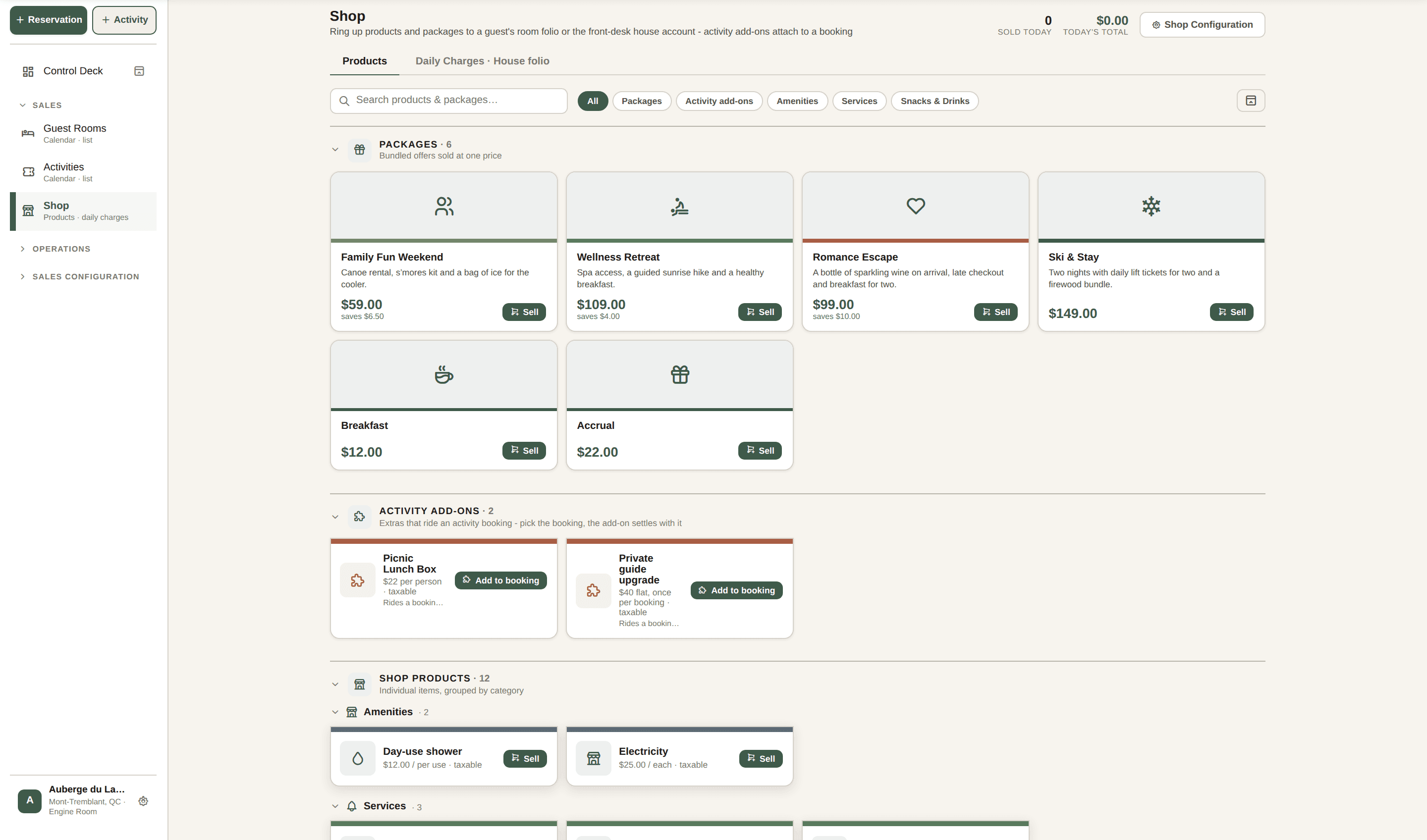
1 step- 1Add it in the shop, and sell it
The usual chain
6 steps- 1Open settings
- 2Create a product category
- 3Create the product inside it
- 4Attach a tax class
- 5Point it at a revenue account
- 6Go back to the desk and sell it
The name is enough: the unit, the tax, the category and an icon are suggested, each in a field you can edit. And the unit is real: parking bills per night and a massage per person, so on a four night stay for two they bill four and two.
Fewer steps is not fewer capabilities. Where an operation is shaped differently, a group running twelve sites with restaurants in them, the comparison pages say plainly which system fits it better, with every competitor step quoted from that vendor's own help centre.
How the board reads
Seven colours, and a new hire learns them once
A booking's colour says where the stay stands. When something has to be handled first, the colour switches to it, and switches back once it is done. The row that looks different is the row that needs you.
| What it means | Reservation calendar | Activities calendar | |
|---|---|---|---|
| Closed. Nothing left to do | Departed · settled | Cancelled | |
| It is over and money is still owed | Checked out · balance | Unpaid · overdue | |
| Due to close out today, nothing owed | Departing | Not used here | |
| Underway and on track | In-house | Deposit | |
| Somebody has to act now | Requires attention | Unpaid | |
| Confirmed, nothing to collect | Arriving | Paid / on folio | |
| Later. Nothing to do yet | Upcoming | Pay on arrival |
The product's own colour tokens and its own words for each state, in its legend's order. The board below carries that legend along its bottom edge.

When something has to be done first
- Another guest is still in the room
- The card changes colour and leads with checking that guest out, by name, linked to their reservation. What is marked is the thing in the way, rather than the arrival.
- Nothing secures the stay
- No card on file, no deposit, no company account. It reads as money at risk on arrival day until a guarantee is collected.
Both hand the colour back the moment they are dealt with: free the room and the arrival reads as an arrival again, take the card and the risk colour drops away. A colour is what the booking needs from you right now.
Guided, or explained
It walks you through it, or it explains it
Training is the cost nobody puts on the invoice. Cardinal handles it on the screen the person is already looking at, with two moves: where an action has an obvious next step, the software walks it, and where it does not, the field says what it is.
Where the action is guided
The next step, written above the buttons
One line on every reservation says what it needs next and why, in the booking's own colour.
The day, one guest at a time
A Start control steps through today's guests, each with the right folio open and the right action already chosen.
When there is nothing to do, the screen says so
A guest with nothing outstanding reads as exactly that, and the optional actions sit under their own heading.
A blocked button offers the fix
A check-in held up by the guest still in the room offers Check out Marie, and takes you to her reservation. A button waiting on something says what it is waiting for.
Where it is not, the field carries its own note
A small (i) sits beside every field a first-timer cannot be expected to know, and answers in plain language. These six are the product's own words, off three screens.
Lodging / accommodation tax
An extra tax that applies only to room nights, not to shop goods or activities. Quebec's is 3.5%. It is added on top of the sales taxes, on the room portion only.
Property settings, taxes
Free cancellation
How long before arrival a guest can cancel without a fee. Cancelling inside this window triggers the cancellation fee below.
Property settings, policies
Minimum stay (nights)
The fewest nights a guest must book to qualify for this rate. A stay shorter than this simply does not get the rate: it falls back to the base rate. Set it to 1 for no minimum.
Rate builder
Lead rate
The parent rate this one tracks. Instead of a fixed price, this rate is always the lead rate plus or minus your adjustment, so when you change the lead rate later, this one moves with it.
Rate builder
Scheduling model
How this activity is sold and how its spots are counted. Inventory is a fixed number of units a day, six kayaks. Time slots are scheduled sessions with seats each, a 10am tour with twelve. Hourly is booked against your resources, two guides from 7am to 7pm.
Activity setup
Property facilities
What applies to the whole property: parking, waterfront, a restaurant. A facility that belongs to one room type, a fireplace or a lake view, goes on that room type instead, so you only promise it to the guests who actually get it.
Property settings, listing
The same note sits on the tax fields, the cancellation policy, the rate builder, the activity setup and the housekeeping hours. The advanced controls stay one level down, for the operator who wants them.
Two audiences, two rules
What bilingual turns out to mean once you build it
What decides it is what happens on a desk two people share, and on the days the translation is unfinished. Four decisions.
The language belongs to the person
It is saved against the staff member who chose it, so each shift on a shared desk opens in its own language.
The guest page and the staff screens follow opposite rules
A guest meets the booking page once, so it is offered in French when every word is French. Staff use their screens daily, so the switch is there now and a screen still in progress shows in English.
The money and the dates change language too
In French the amount reads 1 234,56 $ and the date 14 juin 2026, the way they are written here.
Every counted thing carries both of its forms
French agrees in number and in gender, so forty-seven counted phrases are written out twice: one room and three rooms. Nothing in the product says reservation(s).
The dictionary holds 1,143 phrases, each written in both languages, and a test stops the build if one is missing its French or copies the English. Roughly two thousand more still sit in the screens, the larger half. If you work in French every day, check it in a demo.
See the argument, rather than read it
Watch a day run, in the order it happens.
Six real screens from a working property. Open it now and go at your own pace.